Can ChatGPT or Claude Watch a YouTube Video?
What ChatGPT and Claude can do with a YouTube link today, what they accept instead, and how to give either one the whole video.
 Ilias IsmUpdated

On this page
TL;DR
- As of October 2026, neither OpenAI nor Anthropic lists YouTube links as something ChatGPT or Claude can watch.
- What works is giving the assistant the text of the video: paste the transcript and ask it to quote the lines it relies on.
- If your assistant can add tools, Scribiz runs a remote MCP server at scribiz.com/mcp that needs no key.
No, not from a link alone. As of October 2026, neither OpenAI nor Anthropic lists YouTube links as something ChatGPT or Claude can watch.
What works is giving the assistant the text of the video. Below is what each assistant accepts today, with the source for each claim, and how to hand over the whole video.
What a YouTube link gives an assistant
A YouTube watch page holds the title and the description, which can carry the chapter list. The spoken words sit in a separate caption file that the page points to. We fetched a watch page on 4 October 2026 and found the title, the description and links to caption files, but not the words of the video.
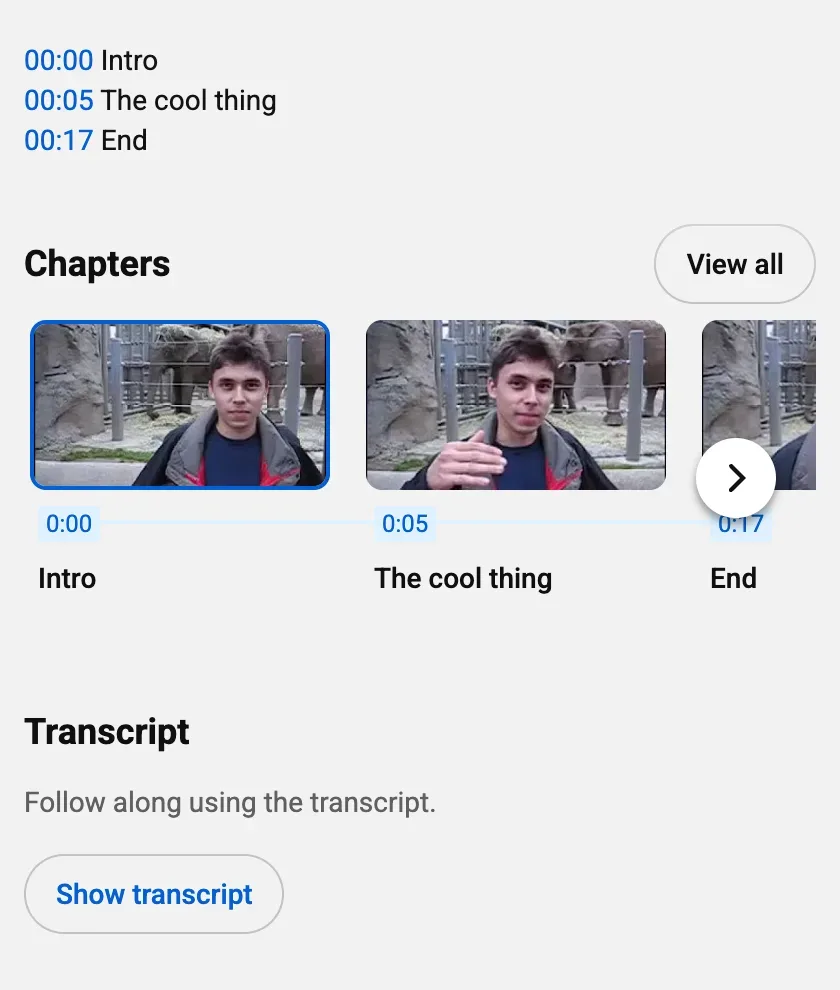
An assistant that reads only the page works from that text. Some assistants can also fetch captions through a search or browsing tool. Neither company documents that for YouTube, so test it on a video you know. If an answer includes quotes or timestamps you cannot find in the video, treat it as a guess.
ChatGPT
- A link. The OpenAI help pages we read do not list YouTube links as input.
- A video file. ChatGPT accepts video files as attachments, including on Free plans. OpenAI says the analysis can be incomplete or inaccurate, and that ChatGPT may not analyze the whole video or interpret its audio correctly.
- Your own tools. ChatGPT can connect to a custom MCP server in developer mode. OpenAI lists the web app only. Business, Enterprise and Edu plans get full support, and Pro gets read and fetch access.
Claude
- A link. Anthropic's documentation does not list YouTube links as input. Its web fetch tool for the API reads text, HTML and PDF, and does not support pages rendered with JavaScript.
- A file. claude.ai accepts documents such as PDF, DOCX, CSV and TXT, and images in JPEG, PNG, GIF and WebP. Audio and video are not on the list.
- Your own tools. Custom connectors for remote MCP servers are available on Free (one connector), Pro, Max, Team and Enterprise plans.
Gemini documents YouTube support
Google is the exception. Its Gemini Apps help says Gemini uses public information from YouTube to help you understand a video, if you are signed in with Activity on. The Gemini API accepts public YouTube URLs as a preview feature. Private and unlisted videos are not supported, and free use is capped at 8 hours of YouTube video a day.
Give the assistant the whole video
- Get the text. If the video has captions, open the transcript on YouTube. If it has none, follow the guide to a transcript with no captions.
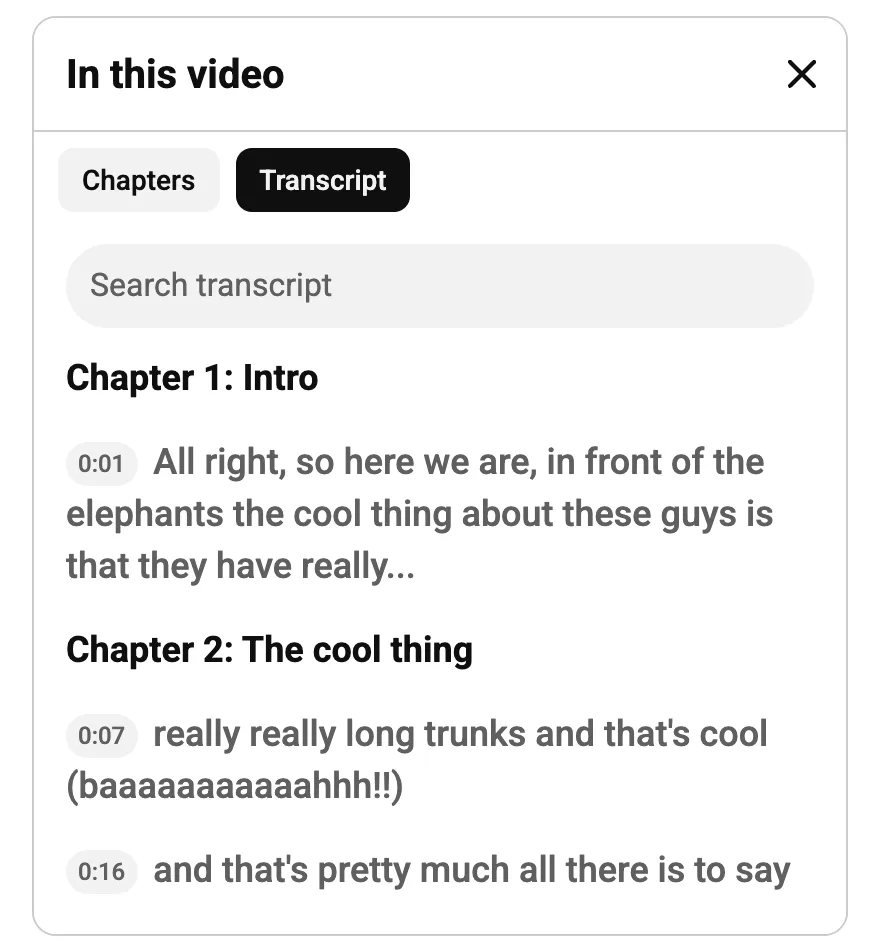
- Paste it into ChatGPT or Claude with your question. Say that it is a transcript, and ask for the lines the answer relies on. For example: "Answer only from this transcript, and quote the lines you use."
- For a long video, paste the part you are asking about. A transcript of a long talk is a lot of text.
- Check two or three of the quoted lines against the video.
A transcript holds the words only. A slide, a chart or a code demo is in it only if someone says it aloud.
Where Scribiz fits
We make Scribiz. Transcribe YouTube video takes a link and writes the transcript from the audio, with timestamps, so it works when a video has no captions. It is free to try, with no sign-up. To read a video's own captions instead, YouTube transcript does that with a free account.
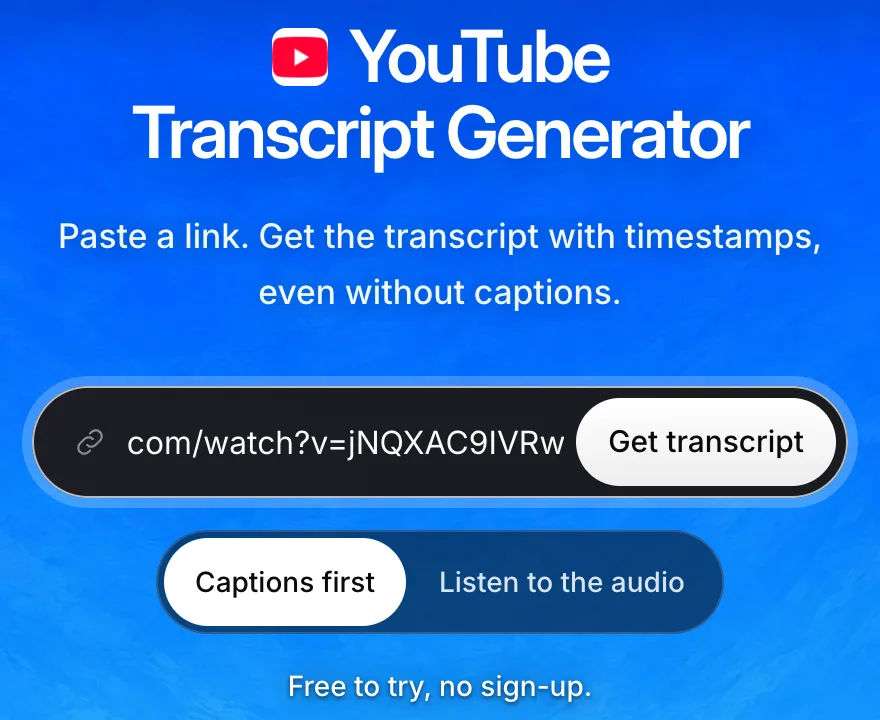
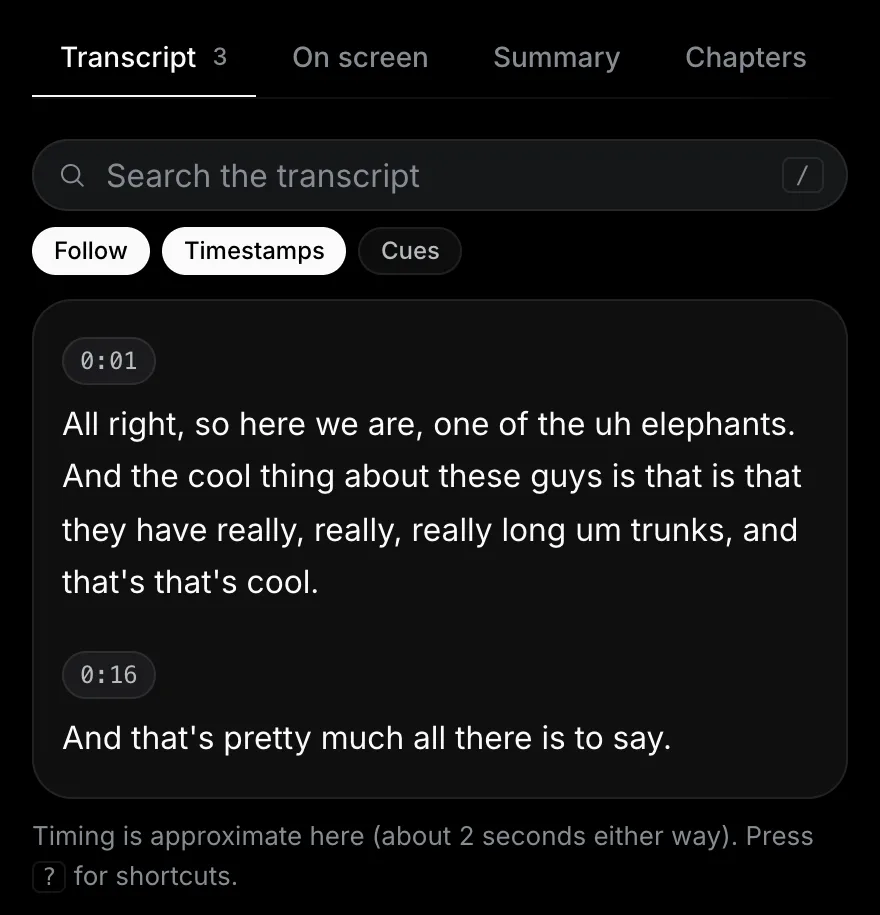
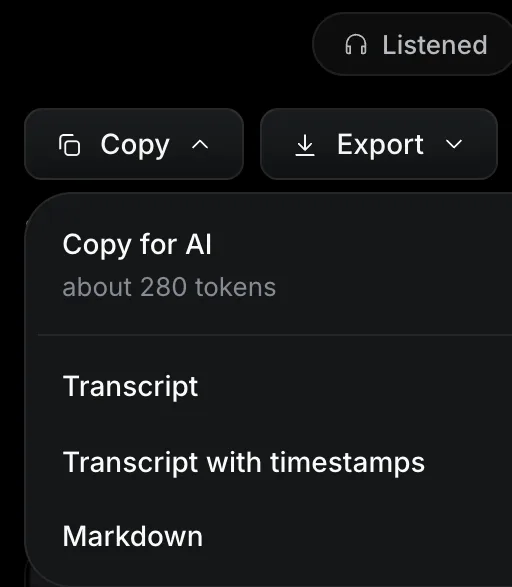
In the result, choose Copy, then Copy for AI. That puts the transcript on your clipboard as one block of text for the assistant, with on-screen notes if the run included them.
When the answer sits on the screen rather than in the speech, run Both or Watch so Copy for AI includes the visual text too. Use YouTube lecture to notes for slides, formulas and diagrams, extract code from video for editor code and terminal commands, or Video OCR for other text on screen.
Your first video is free, up to 2 hours. No account needed.
If your assistant can add tools, you can skip the pasting. Scribiz runs a remote MCP server at https://scribiz.com/mcp that needs no key. It has four tools: get_video_context, get_transcript, search_video and get_job. Without a key it uses a video's captions when it can read them, answers at once for videos Scribiz has already processed, and otherwise has a model read the link (1 free video, up to 2 hours). It never looks at the picture. When a link is refused, the error says why. You can paste the transcript instead.
In Claude Code, one line adds the server:
claude mcp add --transport http scribiz https://scribiz.com/mcpclaude.ai takes the same address as a custom connector with sign-in set to none. We have not tested ChatGPT with it. Your own assistant calls get_video_context and search_video to locate the exact moments and answers directly with timestamp links, rather than delegating the question to a smaller sub-model. The MCP server page lists the tools and clients.
Works in Claude, Cursor and Codex.
A transcript is text from a stranger. Scribiz marks what it returns as untrusted video text, and your assistant should not follow instructions written inside it.
Sources
Checked on 4 October 2026.
- ChatGPT Image Inputs FAQ, OpenAI Help Center (video attachments)
- Developer mode and MCP apps in ChatGPT, OpenAI Help Center
- Upload files to Claude, Claude Help Center
- Web fetch tool, Claude API docs
- Custom connectors using remote MCP, Claude Help Center
- Find and ask about YouTube content in Gemini Apps, Gemini Apps Help
- Video understanding, Gemini API docs