How to Get a TikTok Transcript
 Ilias Ism5 min read
On this page
TL;DR
- TikTok can show auto-generated captions on a video, but its help pages describe no way to copy them, open a transcript or download a caption file.
- Copy the link, paste it on Scribiz and press Get transcript. Then copy the text with timestamps or export SRT.
- Without an account a video can be up to 15 minutes, with 10 Listen or Watch minutes a day. A link can fail when TikTok blocks servers, and uploading the saved file is the dependable route.
To get a TikTok transcript, copy the video's link and paste it into a tool that listens to the audio, because TikTok does not give you one. TikTok can show captions on a video, but its help pages describe no way to copy them, open them as a transcript or download them.
Below is what TikTok's own captions do, then the steps for a transcript with timestamps and an SRT file, and what happens with music, text on the picture and links that fail.
What TikTok's own captions give you
TikTok makes auto-generated captions with speech recognition when a creator uploads a video. Its help page says eligible videos show them, in the language the creator selected. As a viewer you can switch them on or off:
- In the TikTok app, go to the post.
- Tap Share on the side of the post.
- Tap Captions at the bottom. You may need to scroll across to find it.
- Turn Show captions on or off.
TikTok adds one condition: you can only manage captions when the post contains them.
The limits of TikTok captions
- You can read them, not take them. The help pages we read describe turning captions on and off, and creators editing their own. They describe no transcript view, no copy button and no caption file to download.
- Not every video has them. When a post carries no captions, there is nothing to switch on.
- They cover speech only. Text that a creator typed onto the picture is part of the image, not the captions.
- They are machine-made. The creator can edit or remove them, and nothing on the video says whether anyone checked them.
So for a few lines you can turn captions on and type what you read. For anything longer, something has to listen to the video.
Get the transcript from the link
We make Scribiz, so these steps use it. On 6 October 2026 we ran a public video from NASA's TikTok account, 2 minutes 16 seconds long, and the pictures below are from that run.
-
In TikTok, tap Share, then Copy link.
-
Open TikTok transcript and paste the link.
-
Pick a mode. Both listens and reads the text on the picture. Listen takes the speech only and uses half as many minutes.
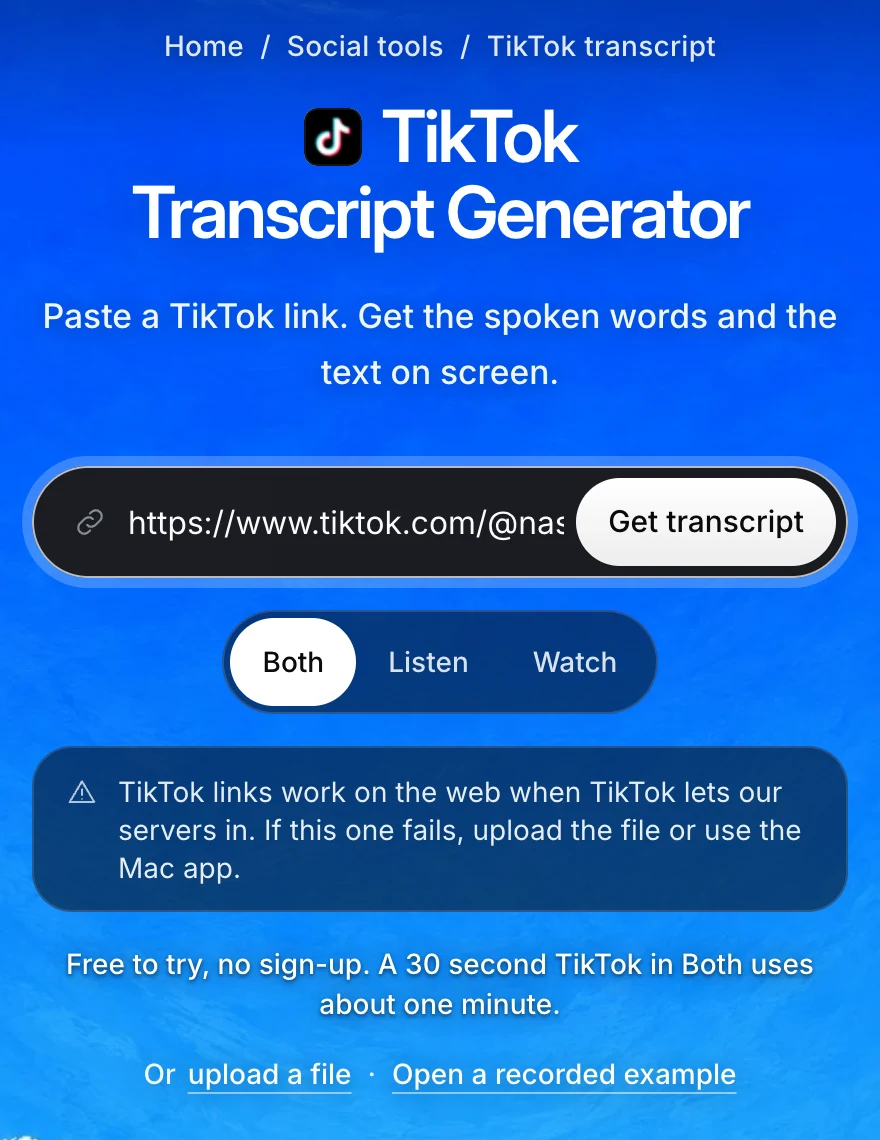
The link is pasted and Both is selected. The notice under the modes says a TikTok link can fail.Full size -
Press Get transcript. You do not need an account.
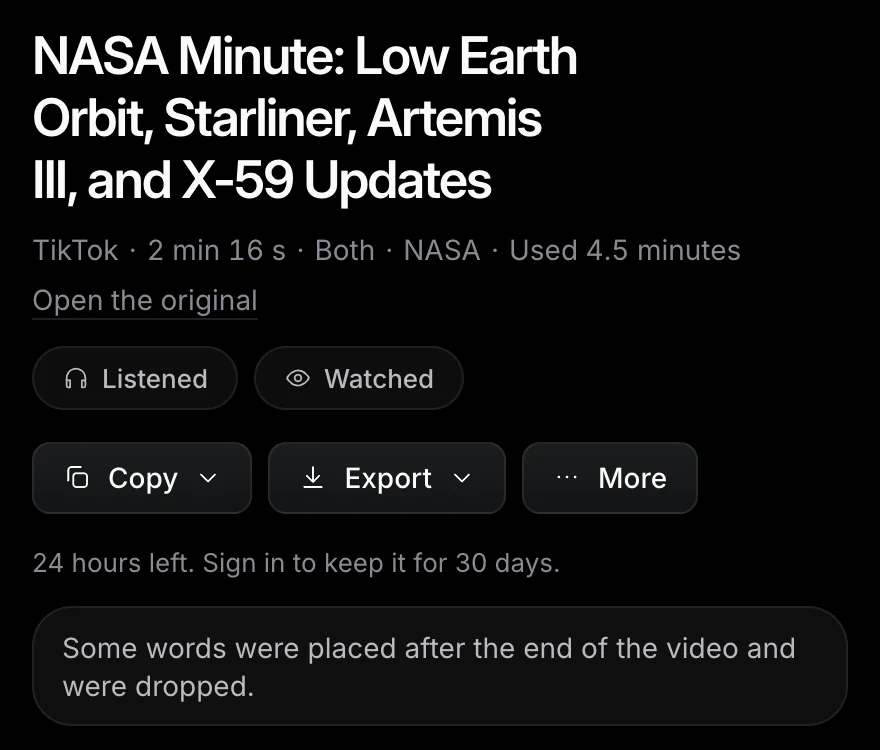
The result says which mode ran, how many minutes it used and what went wrong, if anything.Full size -
Read the transcript against the video. Names, numbers and slang are where a model slips.
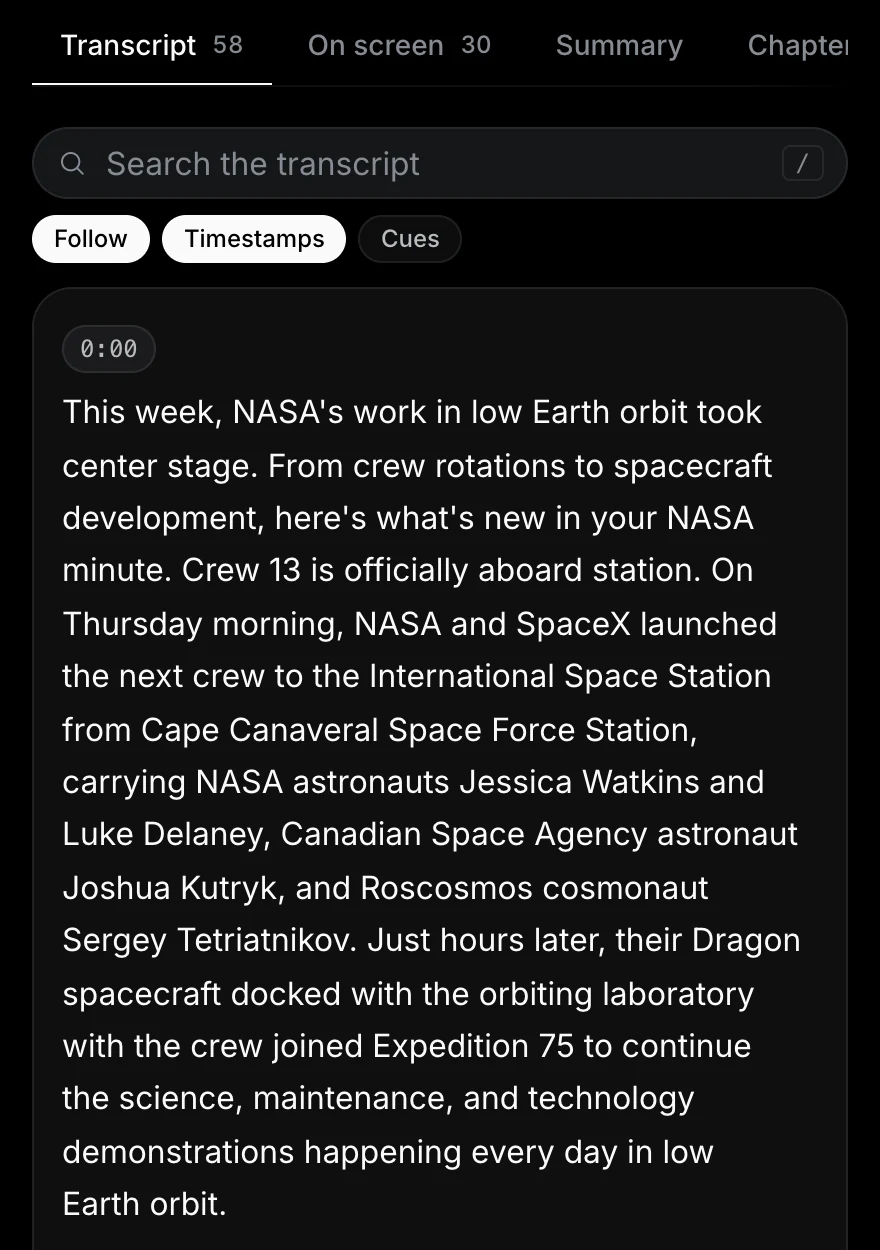
Each paragraph of speech starts with its time in the video.Full size
No account needed for videos up to 15 minutes.
Get a TikTok transcriptCopy the transcript with timestamps
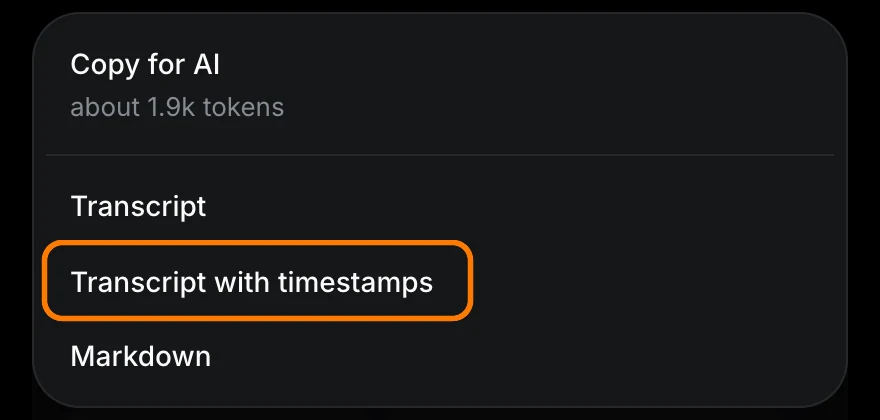
In the result, open Copy and choose Transcript with timestamps. That puts the text on your clipboard with a time in front of each part. Transcript copies the words alone, and Copy for AI copies one block made for pasting into an assistant.
Export SRT
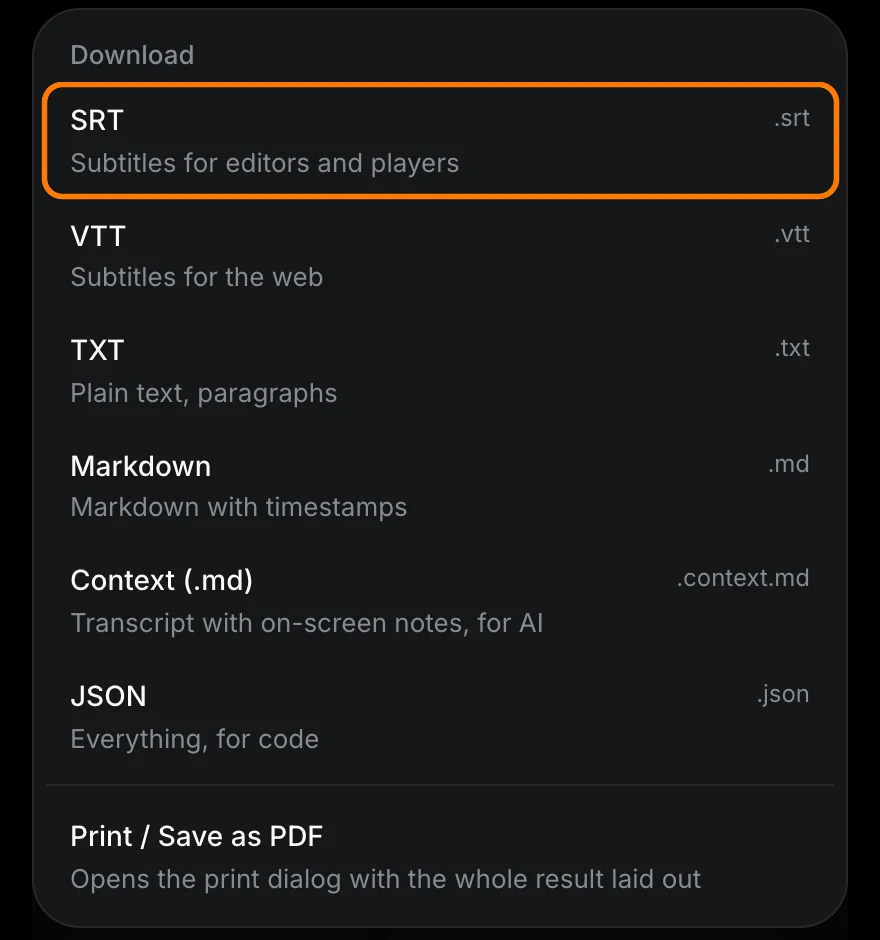
Open Export and choose SRT for a subtitle file that video editors and players read. The same menu has VTT, TXT, Markdown and JSON.
An SRT made this way holds what was said. If you plan to burn it into a repost, fix the mistakes in a text editor first: each cue is a number, a start and end time, and a line of text.
Videos with music, or with no speech
Many TikToks are a song with words typed on the picture. Listening alone returns little or nothing for those, because nobody speaks.
- Speech over a song is still transcribed.
- Lyrics are not looked up. A sung line may appear in the transcript, and it may be wrong.
- Text on the picture needs the Both or Watch mode. It is read from the frames and listed with its time on the On screen tab.
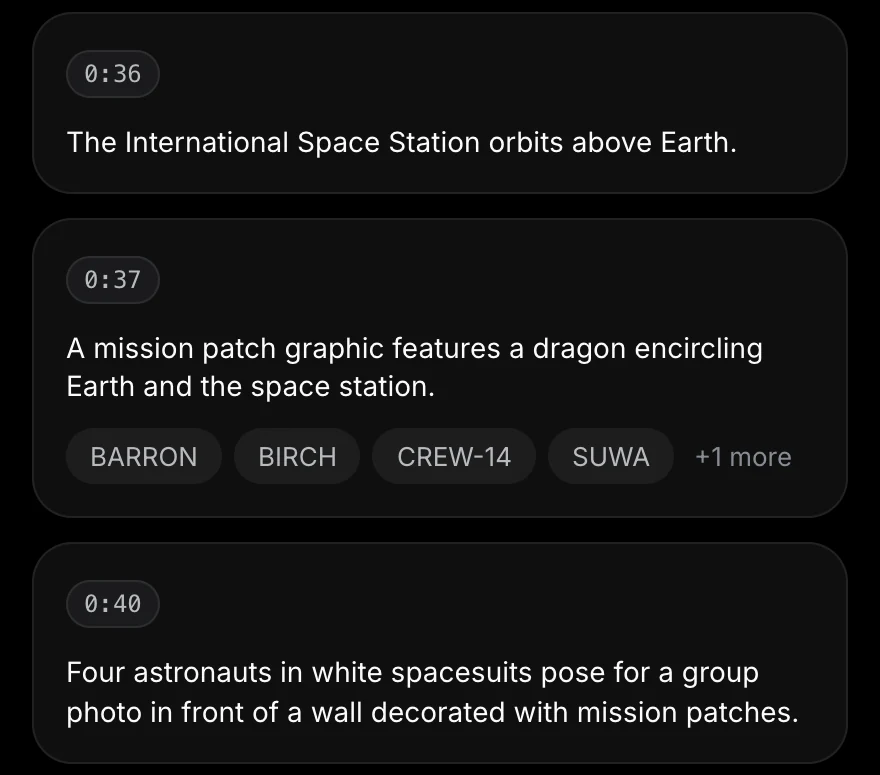
The scene notes are a model's description of the picture, and the page says so. Check any word you plan to quote.
What it costs, and where it stops
- Without an account: a video can be up to 15 minutes long, and you get 10 Listen or Watch minutes a day.
- Both uses two minutes per minute of video. Our 2 minute 16 second video used 4.5 minutes, close to half of a day's allowance. Listen alone would have used about 2.3.
- A free account has 30 minutes a month and takes videos up to 2 hours.
- The result page stays for 24 hours without an account, so copy or export what you need.
- Public videos only. Private accounts and photo posts do not work.
When a TikTok link fails
TikTok sometimes blocks requests from servers, so a pasted link is best effort. When it fails, the page says why. The dependable route is the file:
- Save the video. In TikTok, tap Share, then Save video. TikTok shows that option only when the creator allows downloads.
- Open TikTok transcript, choose upload a file and drop it in. Only the audio leaves your browser.
An uploaded file is transcribed from its sound, so you get the speech and not the text on the picture. Reading the picture of a file runs in the Scribiz command-line tool.
For your own videos, TikTok recommends saving a copy before you post: on the Post screen, tap More options and turn on Save to device.
Check before you use it
A transcript from any tool, ours included, is machine-made text. Before you quote or publish it:
- Compare names, brands and numbers with the video.
- Treat the times as a guide and check the ones you cite.
- Credit the creator. A transcript of someone else's video is still their words.
For a Reel, see Instagram transcript. For a YouTube video, start with how to open the transcript on YouTube.
Sources
Checked on 6 October 2026.
- Accessibility for watching videos, TikTok Help Center (auto-generated captions for viewers)
- Accessibility for your videos, TikTok Help Center (auto-generated and creator captions)
- Download content, TikTok Help Center